
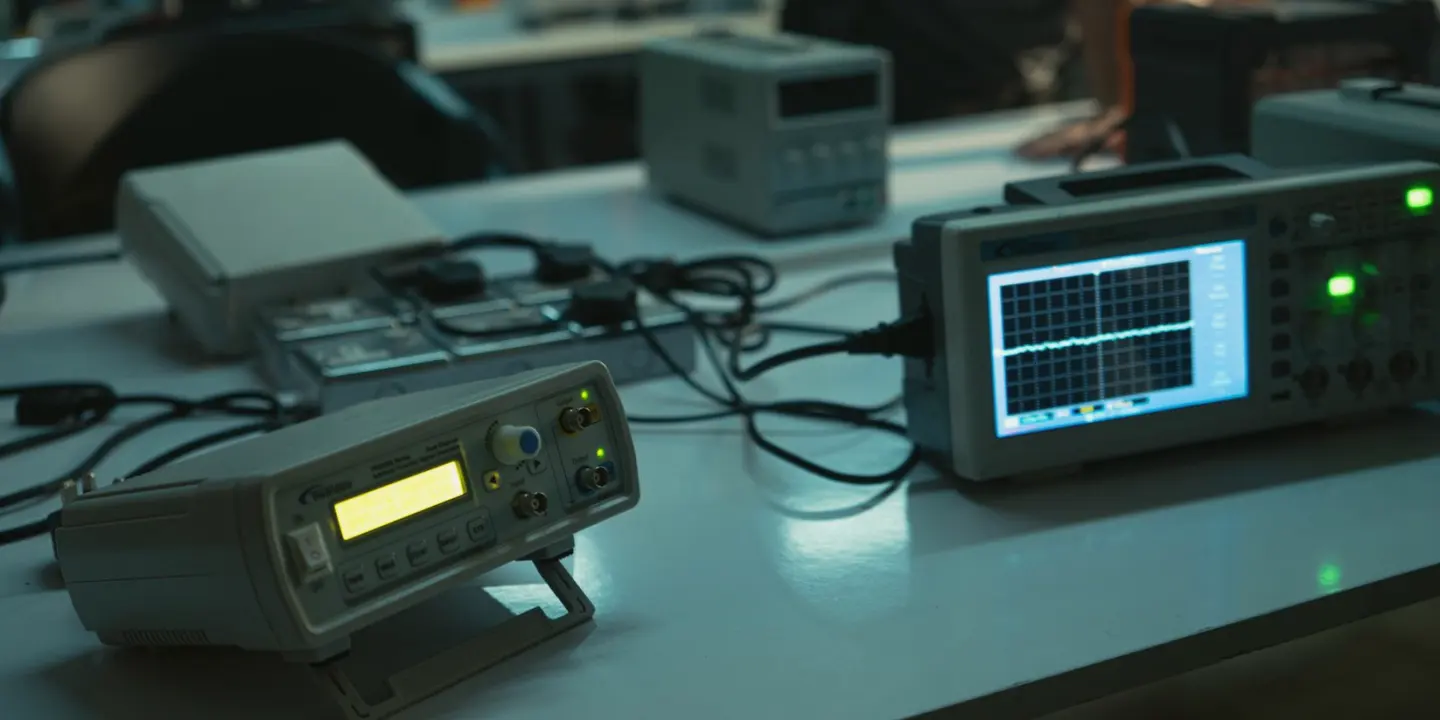
The Tools We Use to Trace Lip-Sync Drift and Audio Latency
A look at the measurement tools, test signals and written methods we rely on when auditing audio synchronisation, from the microphone to the playout chain.
Why method matters more than equipment
When a presenter's lips and voice drift apart on screen, the first instinct in most studios is to blame the last device in the chain. Our audits start from the opposite position. A sync fault is rarely caused by one box; it is usually the sum of small delays that each looked acceptable when they were installed. Because of that, the order in which we measure matters as much as the instruments we use.
We work from the source towards the output, one hop at a time, and write down every figure as we go. A frame of delay in a microphone path, another in a digital mixer, a third in a frame synchroniser and a fourth in an encoder add up to a very visible problem. Without a written ledger of those figures, crews tend to correct the symptom at the wrong point and create a new fault somewhere else.
This article describes what sits in our audit kit and how we use it. It is the working side of the audit, written by someone who spends most of his time on lighting and staging but has sat beside Priya Chandran through enough of these sessions to describe the routine accurately.
The reference signal comes first
Every measurement depends on a trustworthy reference. Before we touch a microphone, we confirm that the studio's sync generator is feeding the same reference to the cameras, the mixing desk, the vision mixer and any embedders or converters. If two devices are free-running against different clocks, no amount of careful delay compensation will hold for the length of a programme.
We check this by looking at the reference distribution itself: how it is split, how many devices hang from each leg, and whether any equipment is quietly set to lock to its own input rather than the house signal. It is dull work, but a surprising number of drift complaints trace back to a single converter that was never pointed at the generator.
Only when the reference is confirmed do we move on to timing. Skipping this step is the most common reason an earlier fix has not lasted, and it is the first question we put to a team that tells us the problem comes and goes.
- Confirm one reference feeds every device that needs it
- Note any unit set to lock to its own input
- Record how the reference is split and where it is terminated
A clapper, a click track and a pair of eyes
For the actual timing measurements we use deliberately simple test material. A visible and audible marker, such as a flash paired with a click, gives a clean point to compare at each stage. We feed it through the chain and capture the picture and sound at the output, then measure the gap in frames and, where the equipment allows, in milliseconds.
We also record a short passage of real speech from the presenter's position. Test tones tell us what the equipment does; speech tells us whether the result is noticeable to a viewer. A delay of a few milliseconds that looks alarming on a screen can be inaudible in practice, while a smaller one on a particular voice can still look wrong.
Both kinds of test are repeated with the studio in its normal operating state, with the same monitors, the same mixer layout and the same playout path that go to air. A measurement taken on a bench, with half the signal chain bypassed, tells a team very little about what viewers receive.
Measuring each hop in the chain
Once we have a total offset at the output, we break it into stages. A digital microphone receiver, a stage box, a console with its internal processing, a delay set for loudspeaker alignment, an embedder, a router and an encoder each add their own latency, and most manufacturers publish figures that apply only under certain settings. We treat those figures as a starting point and verify them with our own captures.
Sample rate conversion and buffer sizes are the usual hidden contributors. A console switched between sample rates, or an audio interface with a generous buffer, can add more delay than the whole of the rest of the analogue path. We record these settings alongside the measurements so the team can see why a number is what it is.
The result is a table of stages and delays that a crew can read in minutes. It shows where the time is going, which stages can be adjusted and which are fixed by design, and it makes the next change a decision rather than a guess.
- Capture the marker signal at each device output where practical
- Record sample rates, buffer sizes and processing modes
- Separate fixed latency from adjustable delay
Writing it down so the fix lasts
The written report is as much a tool as the test gear. For each stage we set out the measured delay, the setting that produced it, and the compensation we recommend, if any. We add the date of the measurement and the equipment state, so a later engineer can see exactly what conditions were tested and repeat them.
We keep the language plain. A producer who has never opened a mixing console should be able to follow why a delay was added to the camera feed rather than removed from the audio, and an engineer should be able to reproduce every step from the notes. Where we are unsure, for example when a device behaves differently between firmware versions, we say so rather than round it off.
A short checklist at the end lists what to confirm after any change to the chain, such as swapping a radio microphone system or adding a processing unit. Teams that keep to that list tend to find faults within a day of introducing them, instead of weeks later when a viewer complains.
What we do not rely on
Equally important is what we leave out. We do not trust a single reading taken on one occasion, and we do not set a delay on the strength of a monitor in the gallery alone, since monitoring paths often have their own offsets. We avoid adjusting more than one stage at a time, because two simultaneous changes make it impossible to tell which one helped.
We also avoid quick fixes that hide a fault rather than explain it. Adding a blanket delay at the end of the chain can make a programme look right while leaving a timing error between a presenter's radio microphone and the ambient sound, which then surfaces whenever the programme is cut or re-edited.
This is slower than turning a dial until the picture looks acceptable. It is, in our experience, the approach that stays correct after the next equipment change, and it keeps the audit useful long after we have left the building.
- No single-pass readings
- No changes to several stages at once
- No blanket delay at the output as a first resort
A good synchronisation audit rests on a reliable reference, simple test material, patient measurement of each hop and a written record a crew can use without us. None of it involves unusual equipment. What matters is the order of the work and the habit of writing figures down. If your lip-sync drifts or your latency changes between shows, those same steps are where we would begin.
Get in touch
- Phone
- 01522 390417
- [email protected]